Android Mobile Applications
A collection of Android apps built with Java and Android Studio — multi-screen navigation, forms, pricing calculators, discounts and SMS functionality.
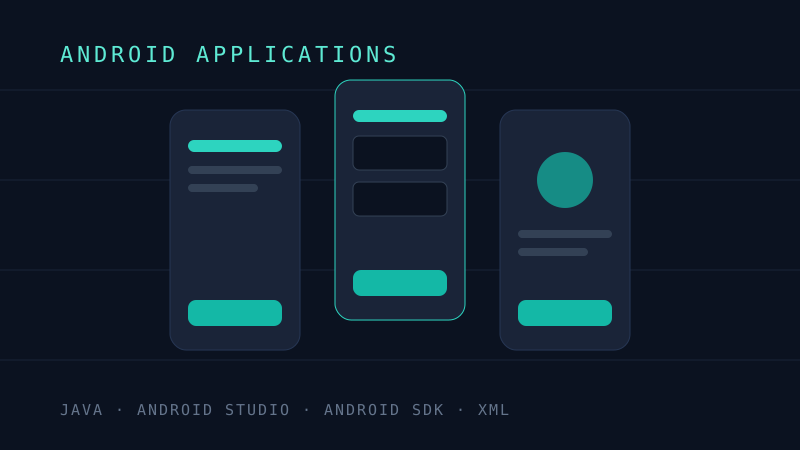
Technology stack
- Java
- Android Studio
- Android SDK
- XML layouts
My role
Designed and built each application individually — layouts, activity logic and device features.
Key features
- Multi-screen apps with activity navigation
- Forms with user input validation
- Spinners, image views and interactive components
- Pricing calculations with discount options
- SMS functionality
- XML-based responsive layouts
Overview
This is a set of Android applications built with Java and Android Studio during my mobile development coursework. Individually they are compact apps; together they cover the core of native Android development — activities and navigation, forms and validation, calculations, media and device features like SMS.
What the apps cover
- Multi-screen navigation: activities passing data via intents, with back-stack behaviour that matches user expectations
- Forms and input: text fields, spinners and validation, with clear error states
- Pricing calculators: apps computing totals with configurable discount options
- SMS functionality: composing and sending messages from within an app, with correct permission handling
- Interface work: XML layouts using images, styled components and responsive structure
Decisions and trade-offs
- Java over Kotlin: the coursework targeted Java, which also reinforced the OOP foundations shared with my other Java projects.
- Standard SDK components: sticking to platform widgets kept the apps dependable and focused the work on app architecture rather than UI libraries.
Lessons learned
Mobile development punishes sloppy state handling — rotation, backgrounding and the activity lifecycle surface bugs that desktop code never hits. These projects built the habit of thinking about where state lives and what survives a lifecycle event.
Future improvements
- Rebuilding one of the apps in Kotlin with Jetpack Compose for comparison
- Adding local persistence with Room
Technical challenges
- Managing state and data passing between activities
- Building layouts that adapt to different screen sizes
- Handling Android permissions correctly for SMS features
What I learned
- The Android activity lifecycle and how it shapes app structure
- Separating layout (XML) from behaviour (Java) cleanly
- Working with device capabilities and runtime permissions